
Pro Headshot Editorial · 2 min read · AI style illustration
Start with a clear view of your face
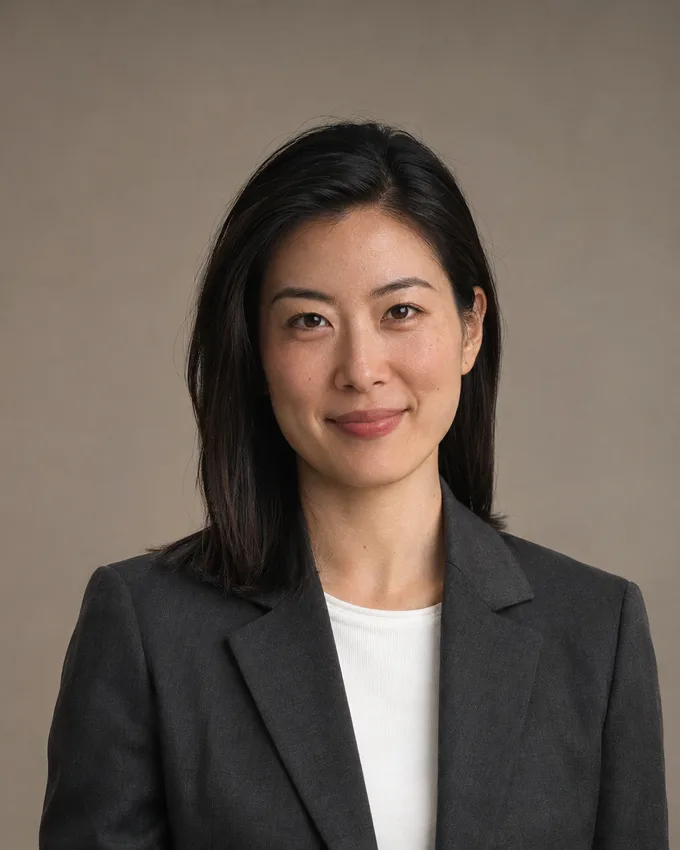
Choose a recent photo in even light, with your face in focus and no sunglasses or heavy filters. Use photos of the same person throughout the selection. A straightforward image makes a more useful reference than a heavily edited portrait.
Give the portrait useful context
Add up to four photos of yourself. Make the clearest image your primary reference. A second angle can provide useful context, but do not include other people. The studio accepts JPEG, PNG and WebP files up to 15 MB; the image must be at least 256 pixels on both sides and below 30 megapixels.
Check before you generate
Choose the outfit, scene and pose only when you want to guide those details. Optional references can stay automatic. Confirm that you have permission to use every image, then review the server quote before you start. AI results can vary; inspect each delivered portrait before using it publicly.