
Pro Headshot Editorial · 2 min read · AI style illustration
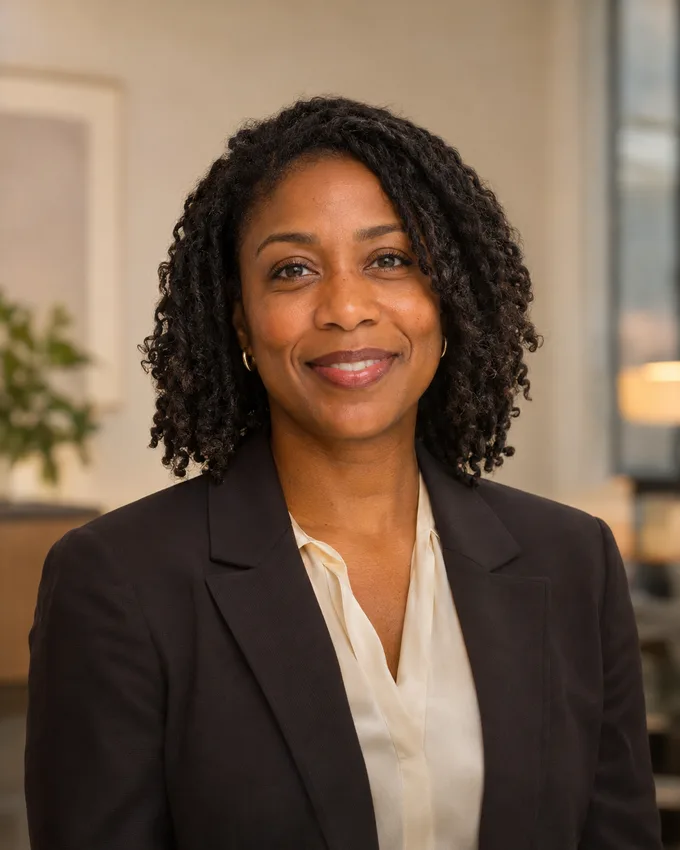
Leave a little breathing room
Keep the eyes and face comfortably inside the image and leave room above the hair. Many profile interfaces display a square image through a circular mask, so check the circular safe-area preview before downloading.
Adjust the same image you export
Use the zoom and position controls to compose the portrait. The preview and download use the same crop settings. Choose a square, portrait or landscape ratio, then inspect the result at a small size as well as full size.
Understand the output size
The editor shows the source dimensions and the number of source pixels used in the crop. Selecting a larger export size resizes the image; it does not create native detail. Download PNG or JPG and retain the original photo for future edits.